
Before You Begin
- Ensure you have access to the Brain as an Enterprise Platform Administrator.
- Confirm that Office Hub is enabled for your platform.
How to Move An Advisor to a Different Office
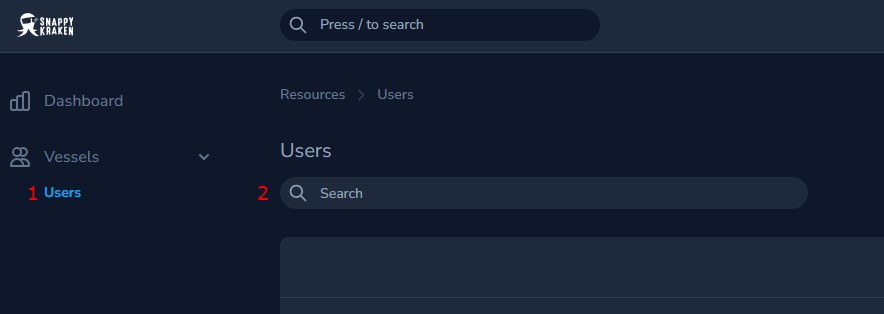
In the Brain, open the Users tab.
Search for the advisor.
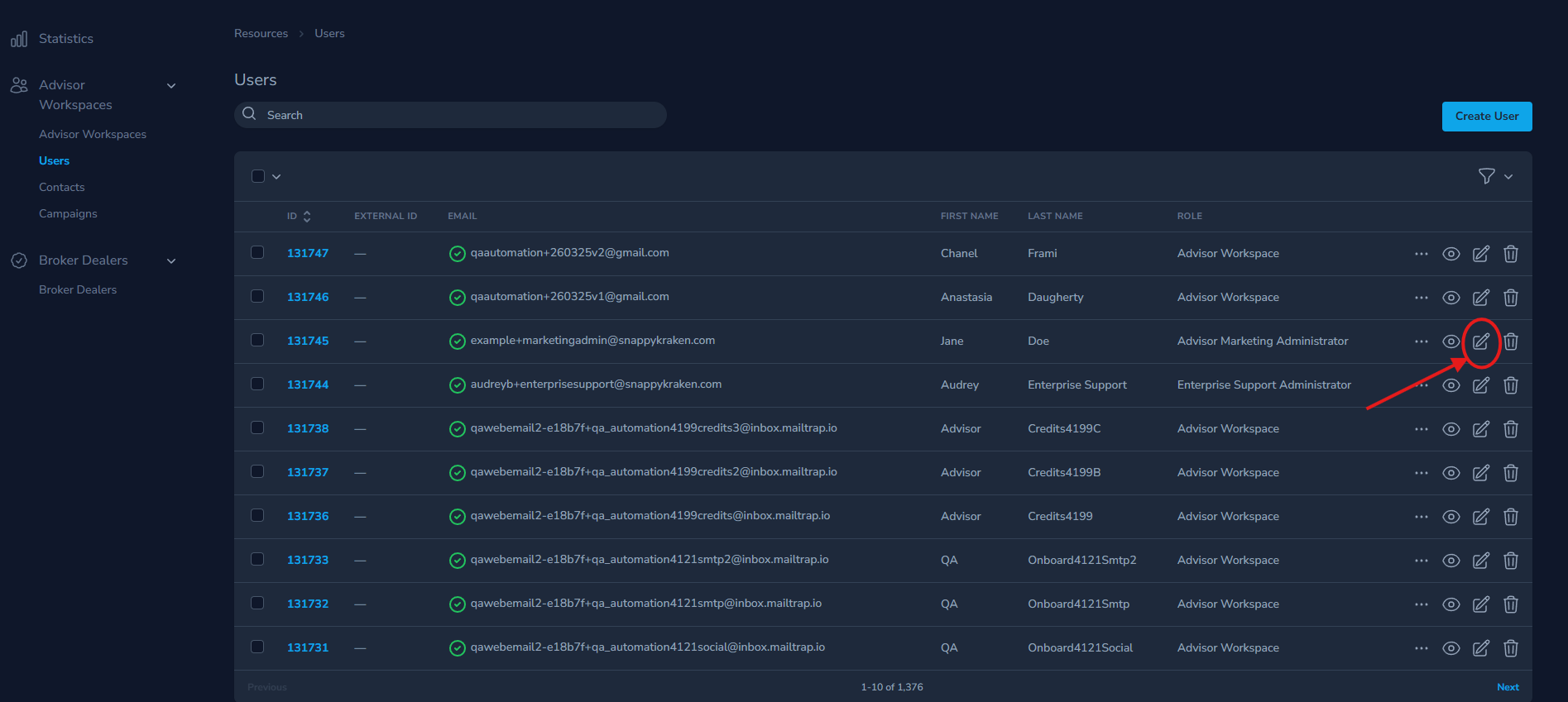
On the advisor's Brain user page, select the pencil icon to edit the user.
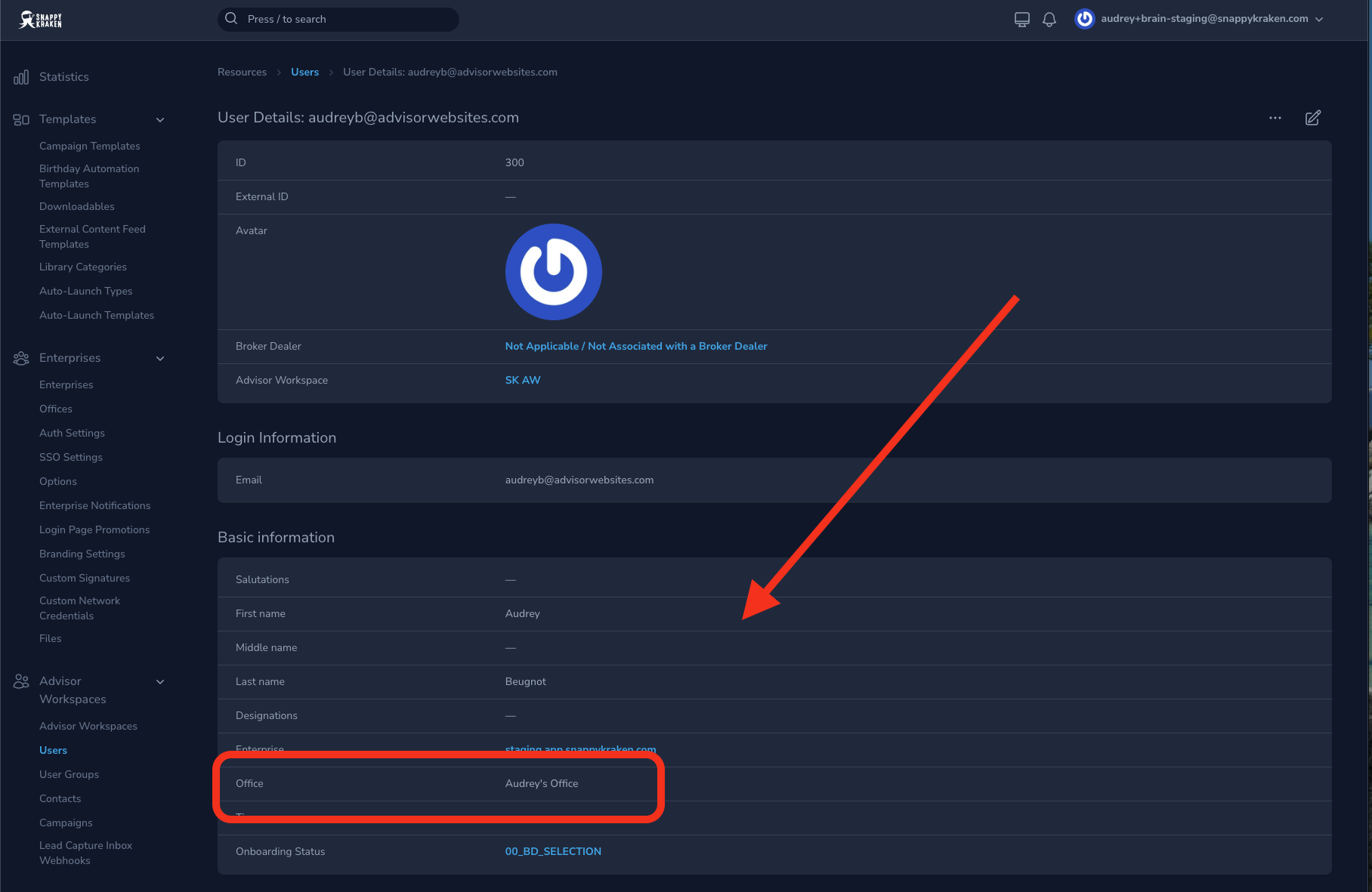
Scroll to the Office field.
Select the new office from the dropdown.
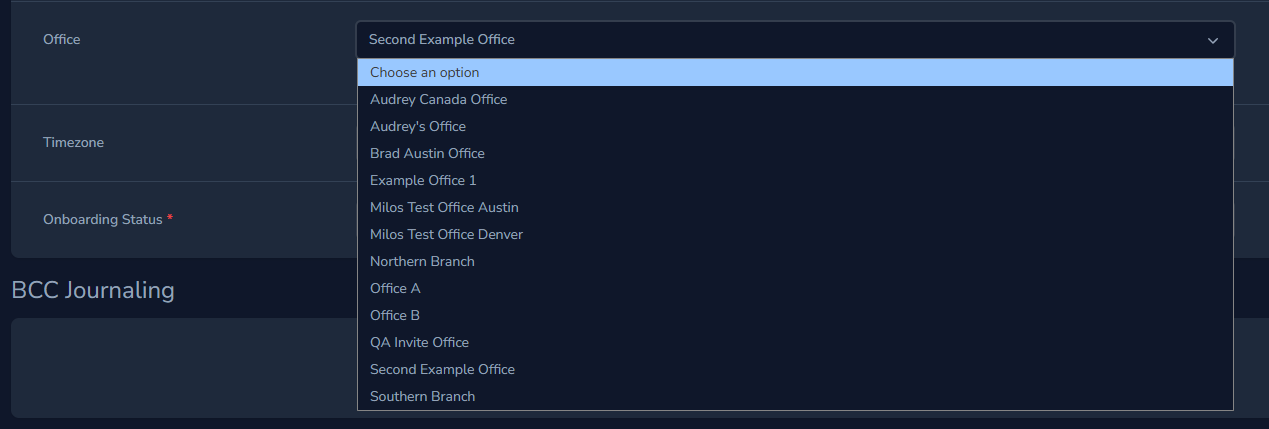
Because an advisor can belong to only one office at a time, this change moves the advisor for every Marketing Admin who manages them.