
Click the trash can icon (Detach) beside the user to remove an advisor from the office
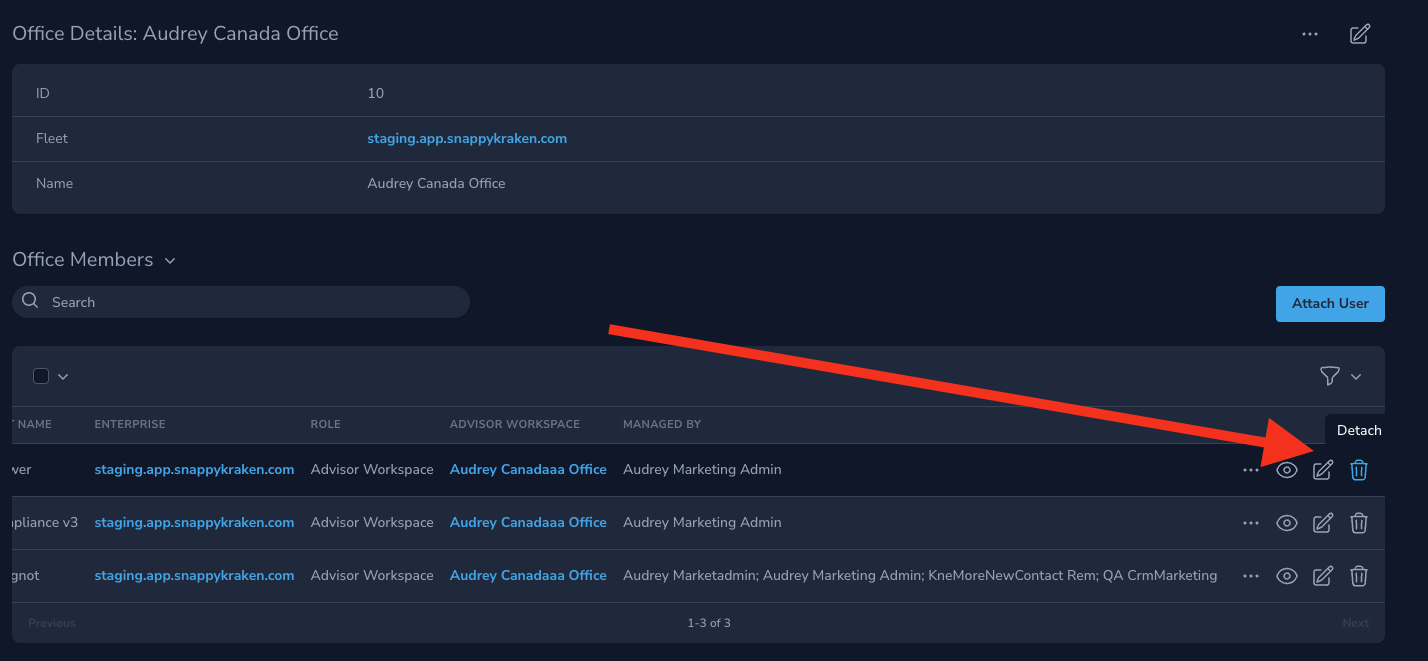
Detaching an advisor removes the Advisor Marketing Administrator’s access to the Office Hub. However, they can continue to impersonate advisors that they are set to manage.
An advisor belongs to only one office at a time. Contact your platform administrator to move an advisor to a different office.