
Snappy Kraken gives advisors the flexibility to customize when specific campaign steps are sent. As a content creator, you can choose whether to allow step delays and scheduling on your campaign templates.
To find advisor instructions on how to use the feature, click here.
Step Delay vs. Scheduling
Step delay allows advisors to adjust only the day a step is launched, posted, or sent. Scheduling also allows advisors to adjust the time.
At this time, only email and text steps support scheduling. All other campaign steps can be delayed when enabled.
How to Enable Scheduling Changes
- In the Brain, navigate to the Campaign Templates section in the left menu.
- Create your template as usual, or locate the campaign you need to edit.
- Open the campaign step you want to edit.
- Select the "Allows scheduling changes" checkbox to enable it.
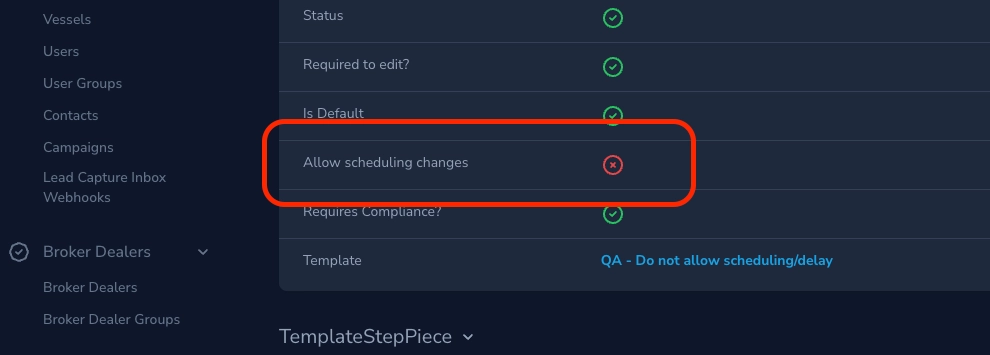
This setting is designed to give enterprise accounts more control over content, such as templates where timing is strategically structured and should not be altered.
Important Notes
If an advisor schedules a step for a date/time that occurs before the campaign is launched, or if a campaign is approved by Compliance after a scheduled step date has already passed, that step will automatically be marked as disabled and skipped. The system will not attempt to retroactively send the missed email or text. Instead, the campaign will continue executing from the next valid upcoming step in the timeline.