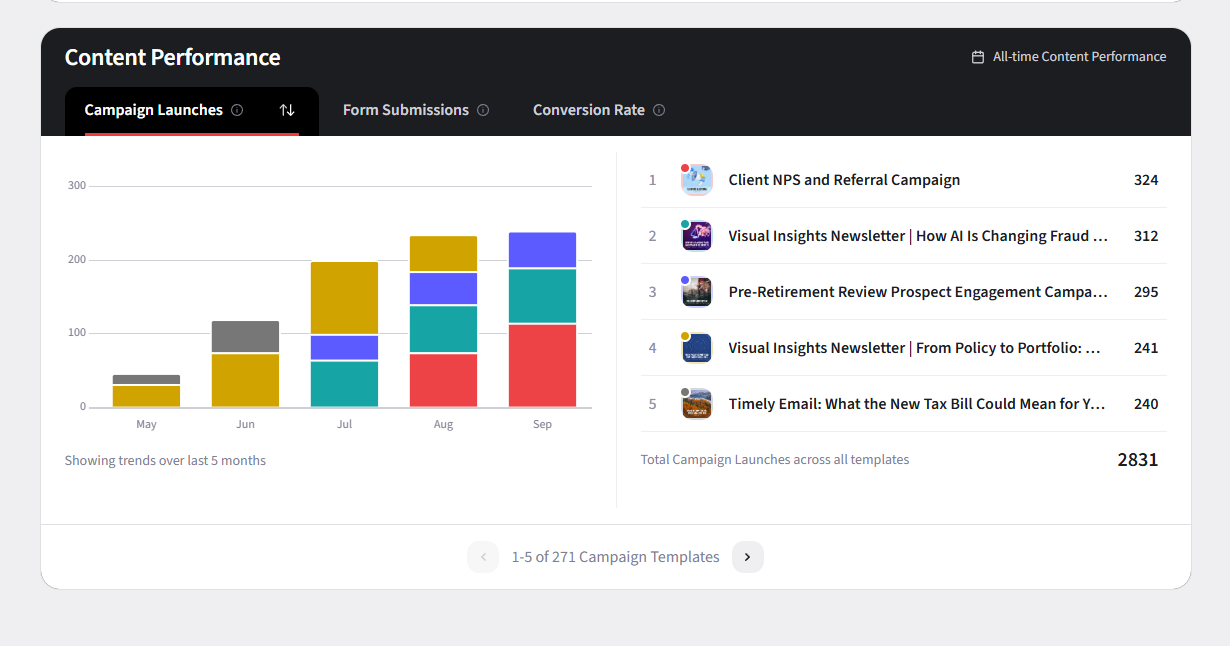
As Enterprise Administrators, you can access and leverage reporting capabilities in the Enterprise Hub to make data-driven decisions about marketing initiatives for your advisor network. These reports can help you identify successful strategies, pinpoint areas for improvement, and make informed decisions about future marketing rollouts.
Accessing the Reports Tab
- Log in to your Enterprise Hub dashboard.
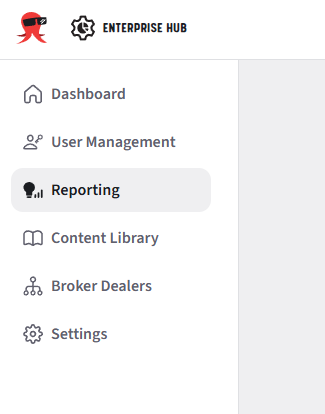
- Select the "Reporting" tab from the left navigation menu
Available Reports
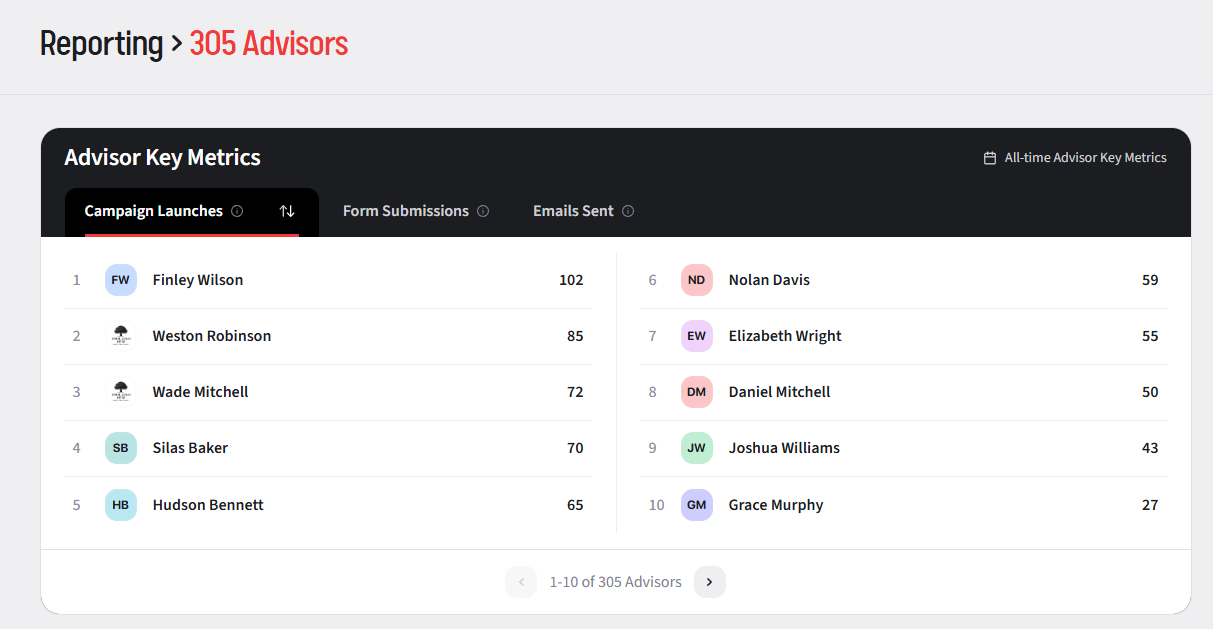
The reporting tab is divided into two sections:
- Advisor Key Metrics: Provides a detailed analysis of individual advisor marketing activities
- Campaign Launches - Number of campaigns launched by each advisor, ranked from highest to lowest
- Form Submissions - Number of form submissions each advisor has received
- Emails Sent - Number of emails each advisor has sent to their contacts
- Content Performance: Provides analysis of how effectively specific content resonates with audiences
- Campaign Launches - Count of times a specific campaign has been launched by advisors in your network
- Form Submissions - Number of form submissions per campaign launched across the entire network
- Conversion Rate - Percentage of form submissions that converted to leads for each campaign template