
As an enterprise admin, you can impersonate the advisor account using the brain.
Logging in
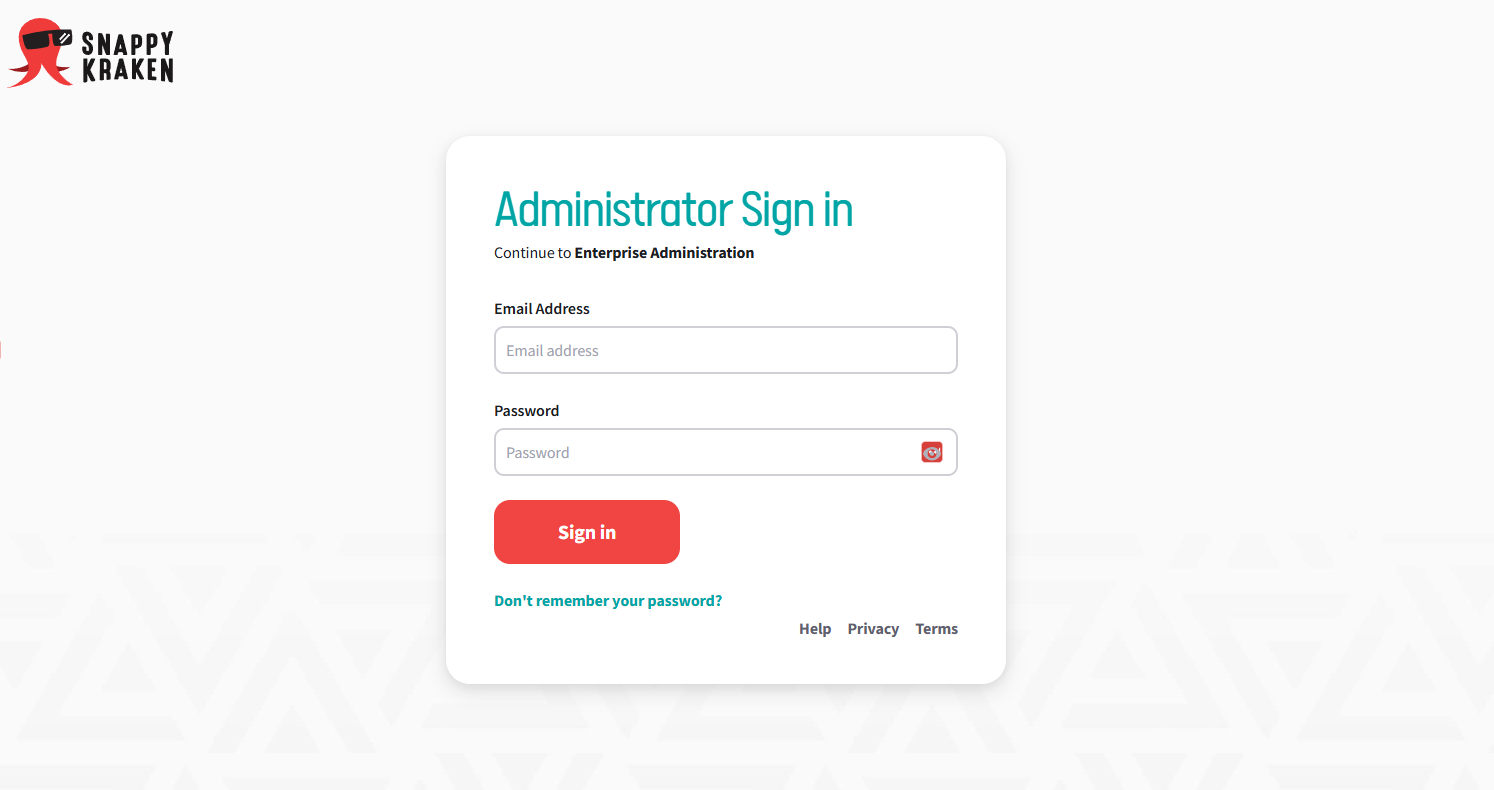
- Visit this link to get to the Snappy Kraken Brain sign-in page.
- You will be redirected to the Enterprise Hub. Click on the "User Management" tab.
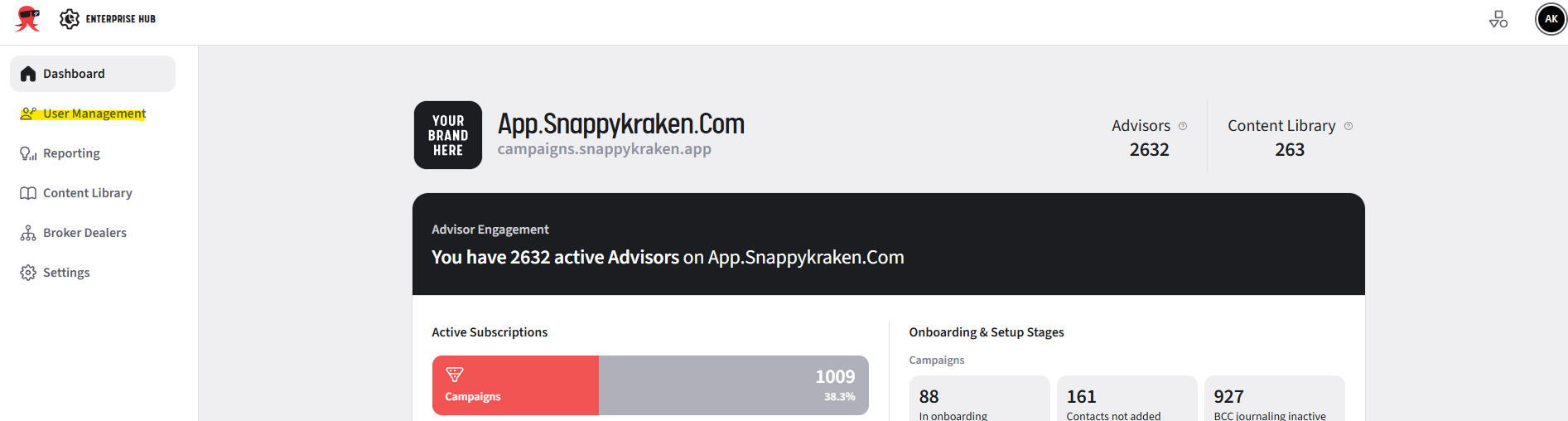
- If you do not get redirected to this page, visit the troubleshooting steps below.
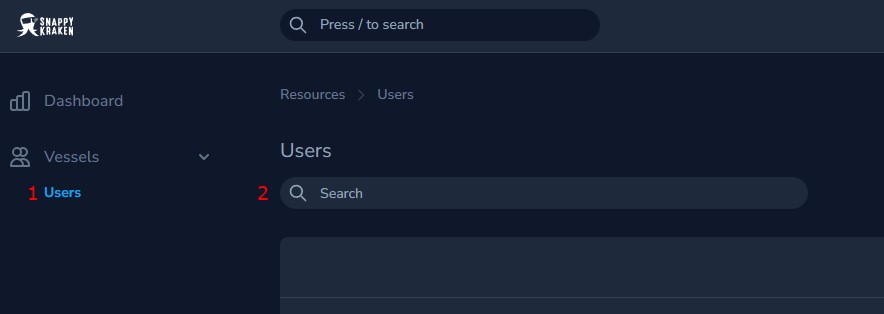
- A new tab with the user management screen will open. If it doesn't open by default, click on Users on the left.
- Search for the user you would like to log in to.
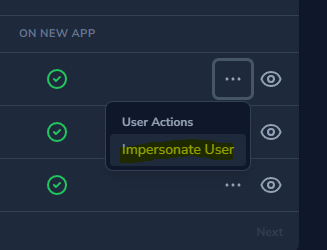
- Click the ellipsis beside the user.
- Select "Impersonate User". The products available to that user will pop up.
- Choose Campaigns.

- Click "Run Action".
A new tab will open in your browser, and you can now complete tasks on behalf of the primary user.
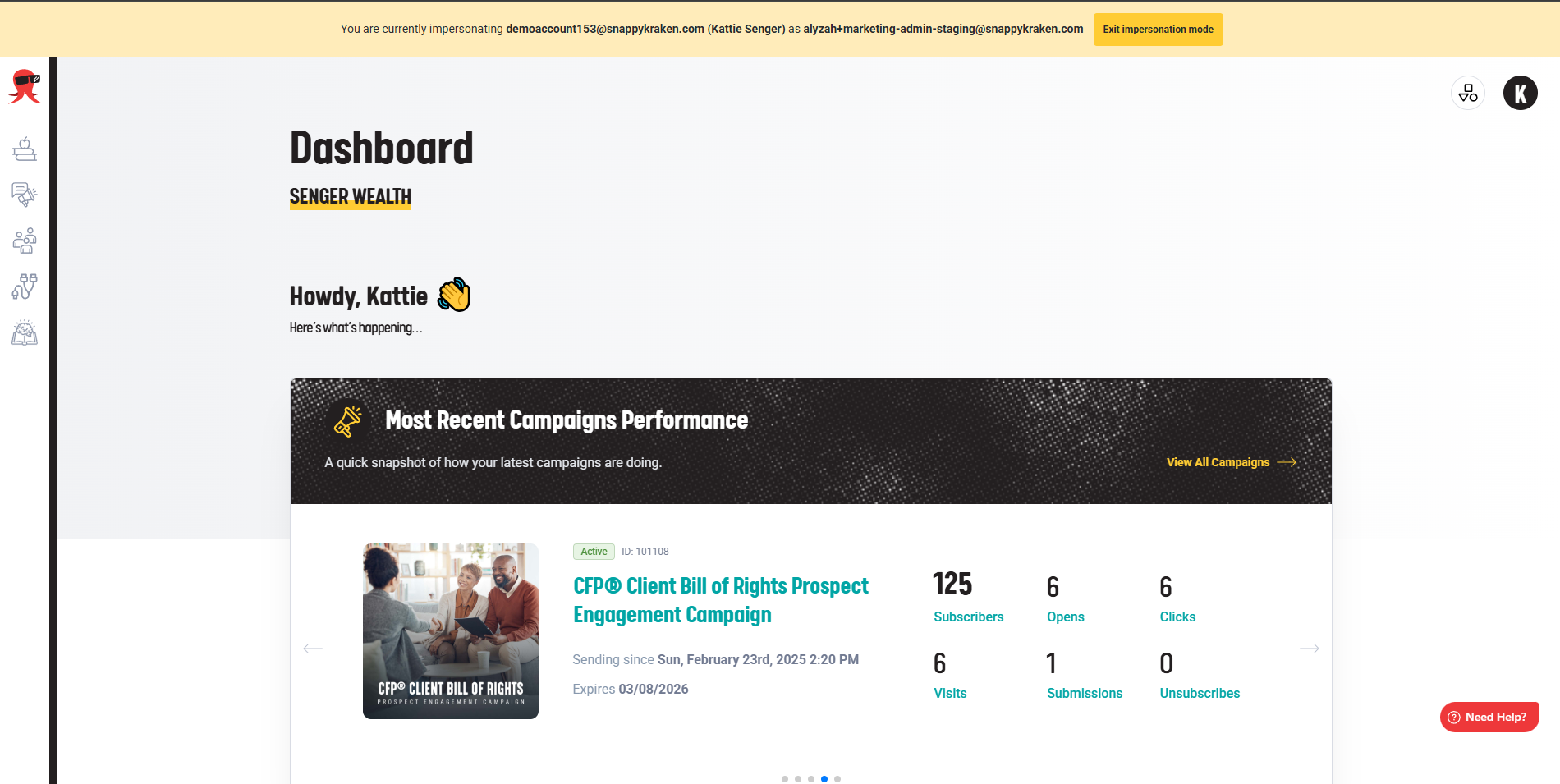
Exiting Impersonation
You can simply click the "Exit Impersonation Mode" button at the top of the screen to exit.
