
Enterprise Hub Menu Overview
Once you’re logged in, you’ll see a left-hand menu with access to several key areas. Menu visibility depends on your role and permissions.
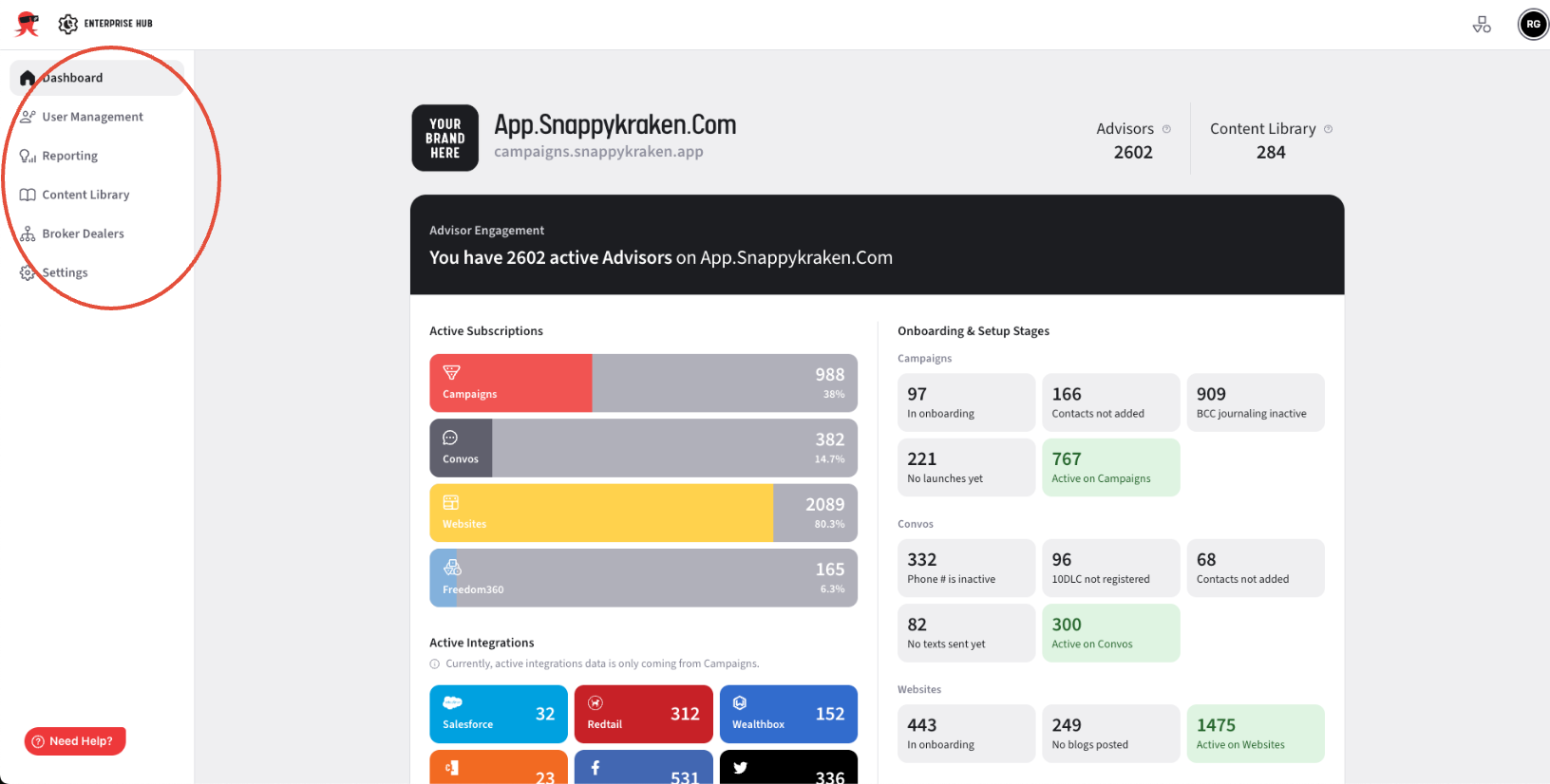
- Dashboard – Overview of advisor activity, subscriptions, and product engagement across your fleet.
- User Management – Opens a user list where you can view advisor accounts and their details.
- Reporting – Links to enterprise-level campaign performance dashboards.
- Content Library – Shows your shared campaign templates across the fleet.
- Broker Dealers – Lists broker-dealer groups connected to your fleet.
- Settings – Allows you to review and manage fleet settings.
If you do not see one or more of these sections, your current role may not grant access to that part of the Enterprise Hub.
If you believe you should have access, please contact us at enterprisehelp@snappykraken.com.