
To log into the Enterprise Hub, your user must have the correct role and be assigned to a fleet with the Enterprise Hub feature enabled.
- Go to https://admin.snappykraken.app and log in using your Snappy Kraken credentials.
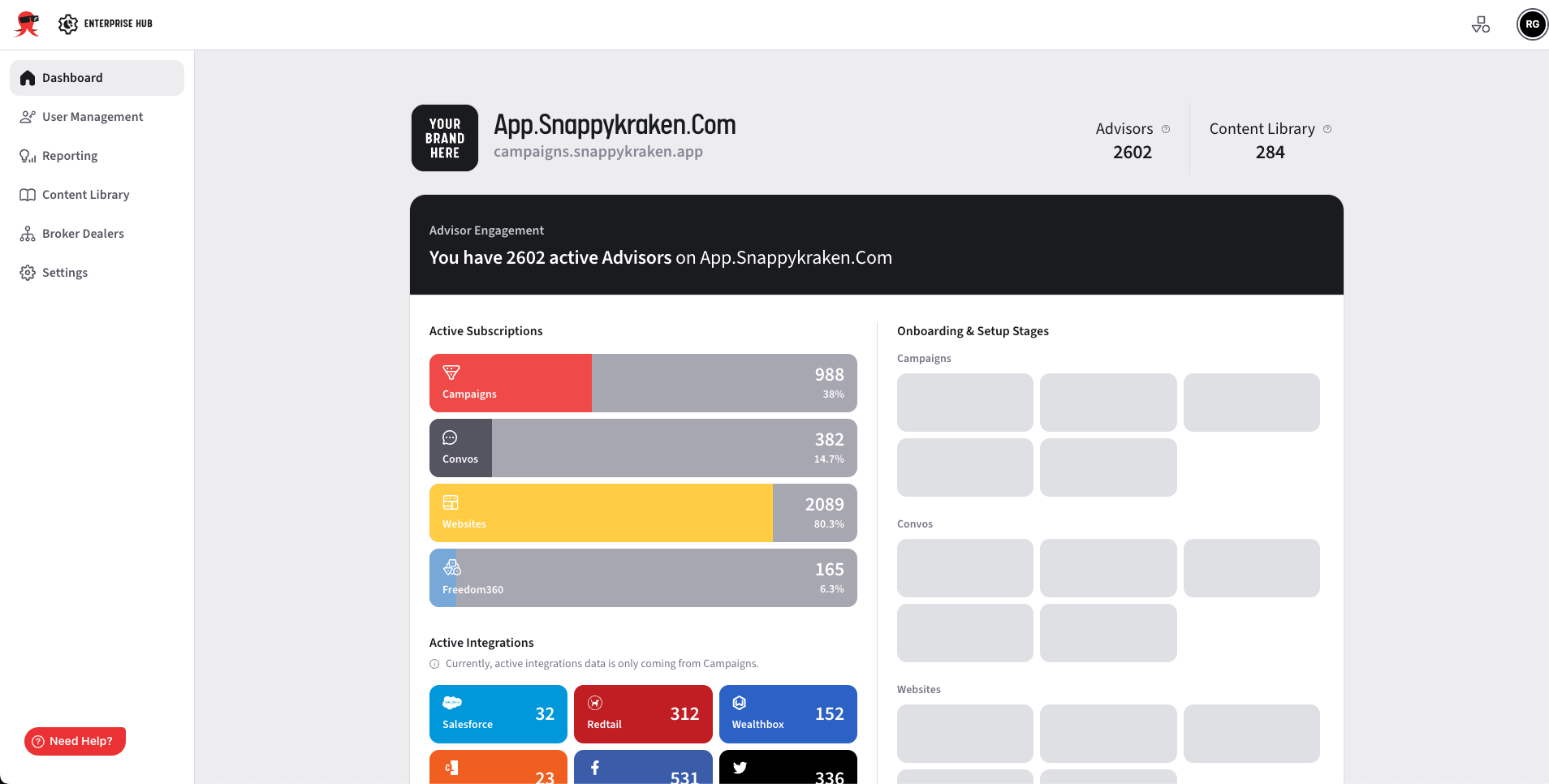
- Once logged in, you will see the Enterprise Hub if it's enabled for your fleet and your user role includes access to it. Your screen should show this:
If you are unable to log in or don’t see the Enterprise Hub, please contact us at enterprisehelp@snappykraken.com.