
The Social Network Availability feature allows administrators to control which social media platforms (LinkedIn, Facebook, and Twitter) are available when creating new campaigns.
If a platform is turned off, it will no longer appear as an option during campaign setup.
Key Steps
- Navigate to the Brain > Broker-Dealers or Fleets section.
- Select the relevant BD or Fleet.
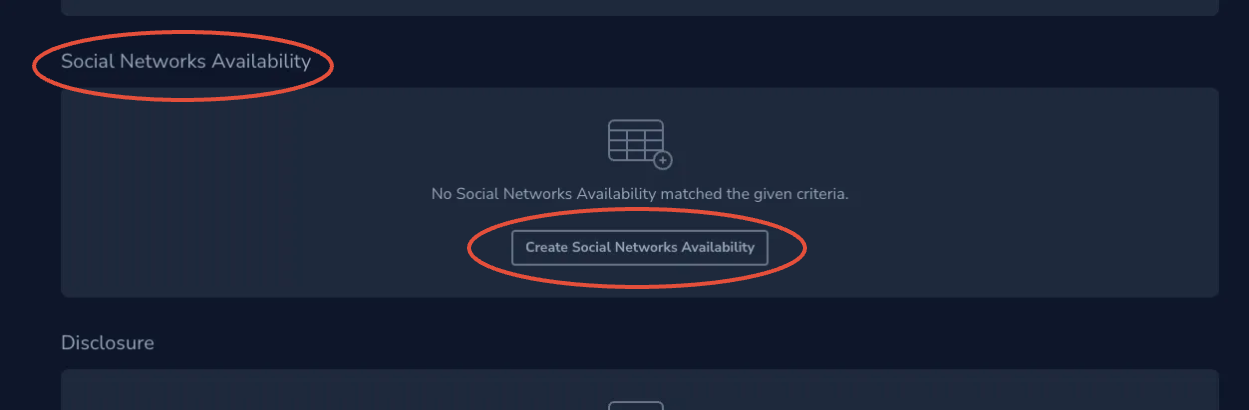
- Locate the Social Network Availability settings.
- Click on Create Social Networks Availability
- Choose which Social Media should be available
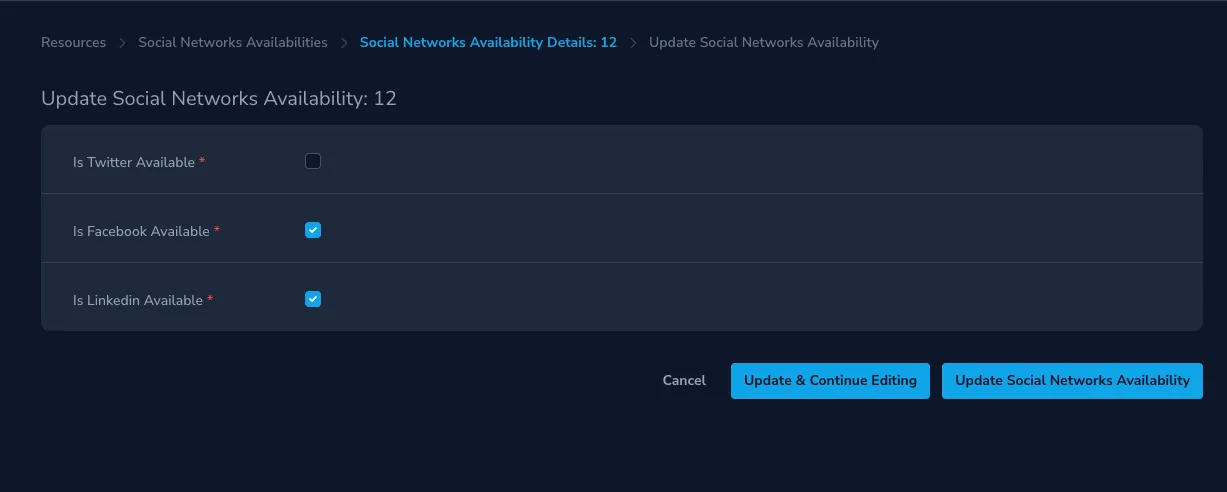
- Save the changes.
Note: These settings will impact newly created campaigns going forward. If an advisor has already personalized the template, it will continue to have any previously active social network steps.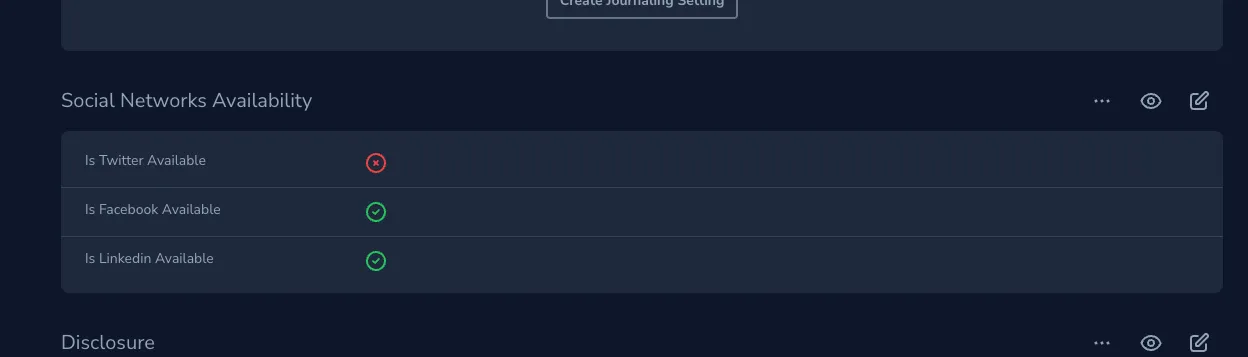
What Happens When a Platform Is Disabled:
- Advisors will not see the disabled platform during campaign setup.
- The Campaign Library may still show the platform in template previews, but it will be removed from the campaign once created.
- The disabled platform will still appear under Integrations > Social Networks in the advisor dashboard. Advisors may still connect their accounts, but no content will be sent to those platforms from campaigns.
- Campaigns created before the update will continue to show previously active platforms.